Next.js
18 Oct 2026
Interna: Translation Management for Developers
A look at Interna, a full-stack localization management application built with Next.js, TypeScript, Prisma ORM 8, and Supabase.
Overview
Interna is a localization management application designed to simplify the process of managing translations in web projects.
The idea behind Interna is to provide developers with a centralized workspace for organizing translation projects, managing localization keys, and maintaining multilingual content without manually editing JSON files.
Users can create projects, define a source language and target languages, add translation keys, translate content with DeepL AI, and export the results as JSON files ready to be used in their applications.
The application is built with Next.js and TypeScript, uses Prisma ORM 8 for database access, and stores its data in a PostgreSQL database hosted on Supabase.
Interna is deployed on Vercel at interna.panchuk.dev, a subdomain of my personal website.
Tech Stack
- Next.js
- React
- TypeScript
- Material UI (MUI)
- PostgreSQL
- Supabase
- Prisma ORM 8
- Better Auth
- next-intl
- DeepL API
- Vercel
Platform Overview
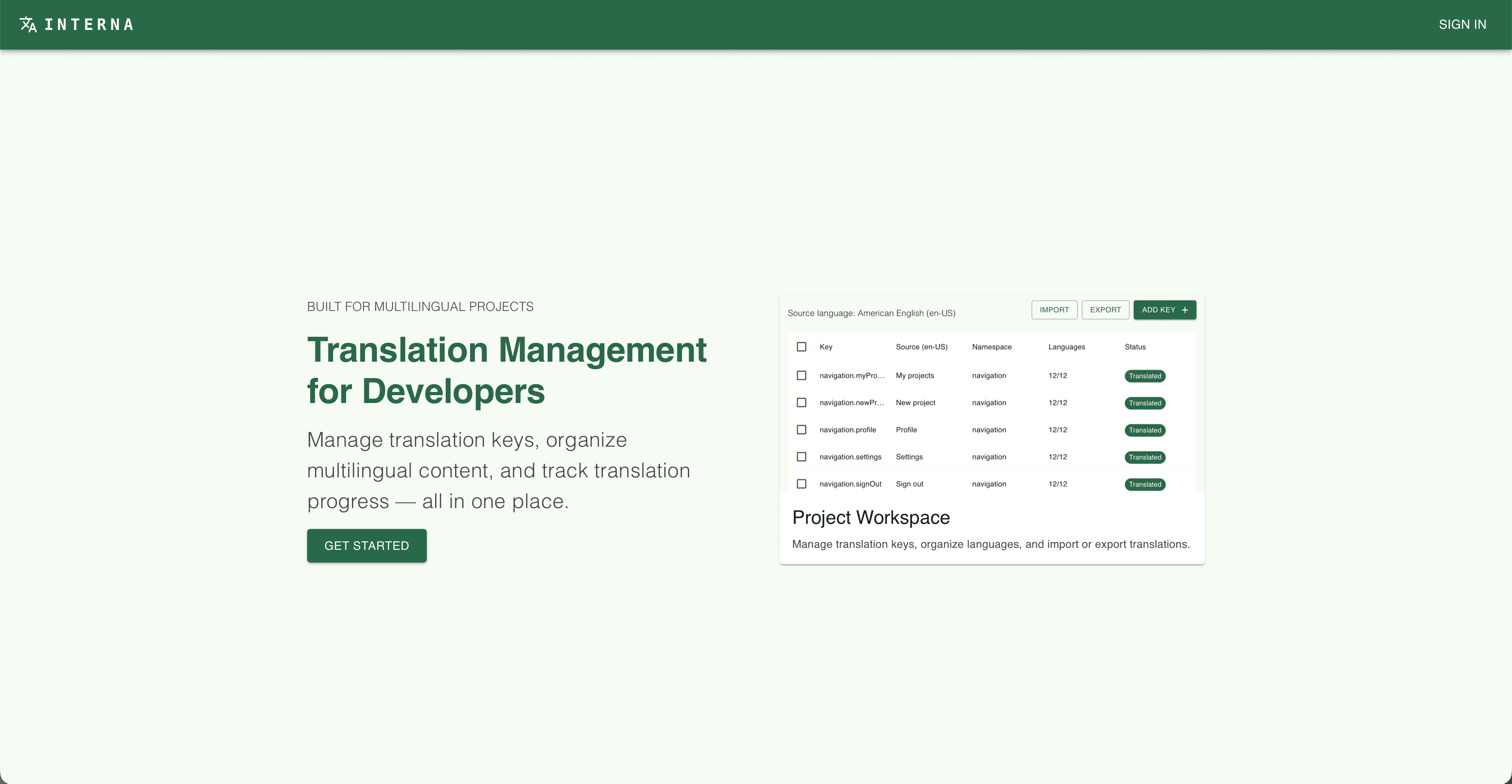
Interna provides a centralized workspace for managing localization projects. Users can create projects and configure the languages required for their applications.
Each project defines a source language and a set of target languages, establishing the foundation for managing translations across multiple locales.
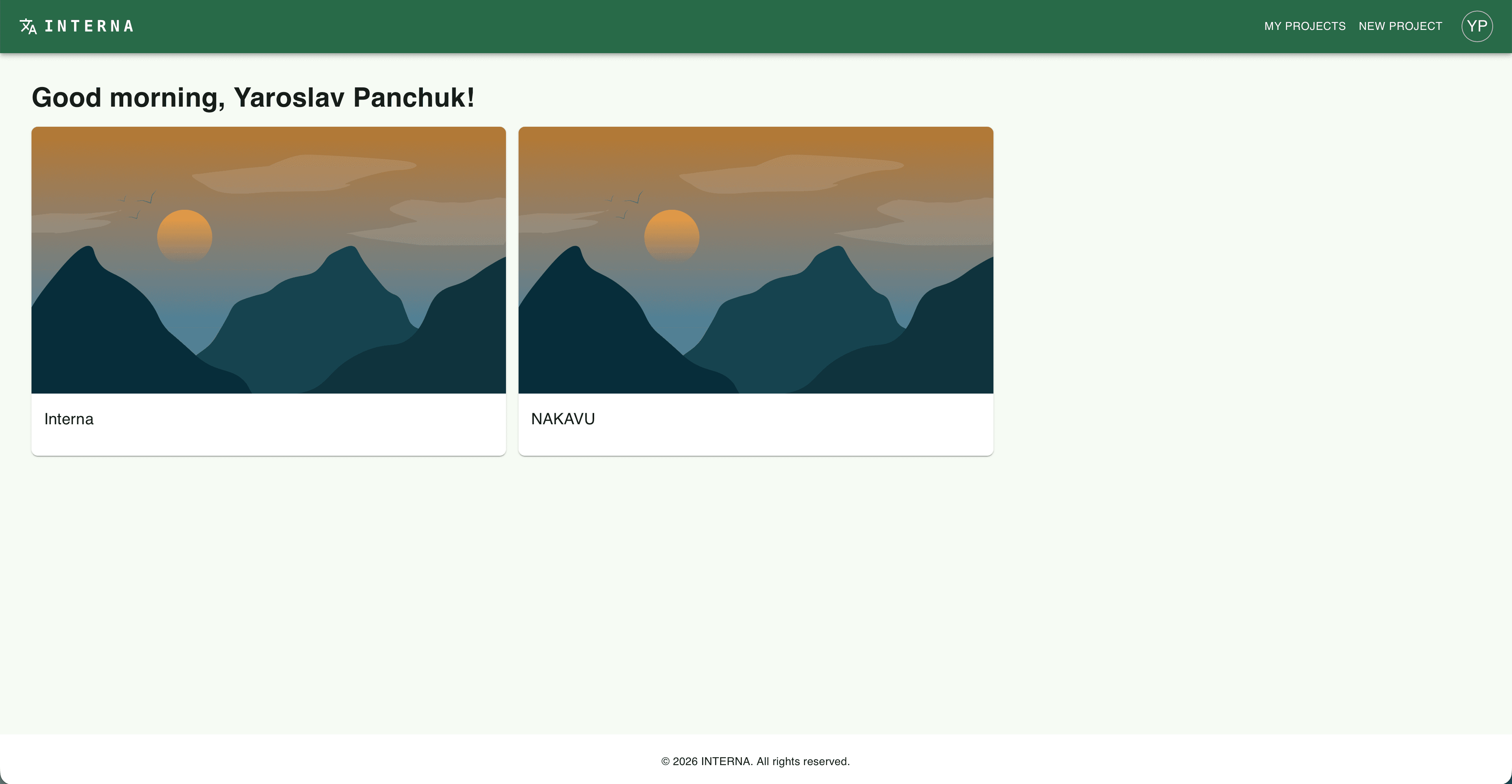
The projects dashboard provides an overview of the user's localization projects, making it easier to access and manage them from one place.
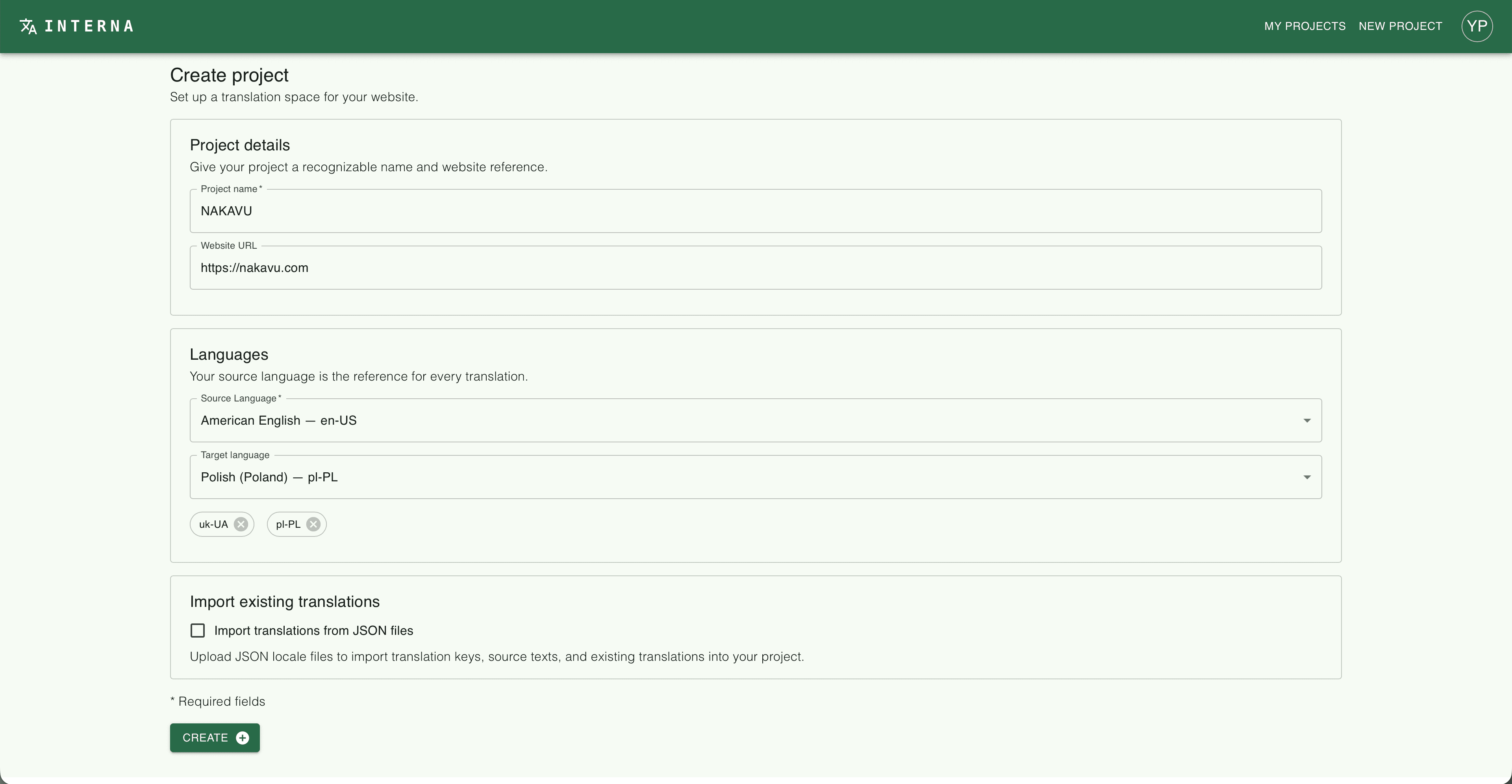
When creating a project, users specify its name, source language, and target languages. These settings determine which languages are available when managing translations.
Translation Management
Translation Keys
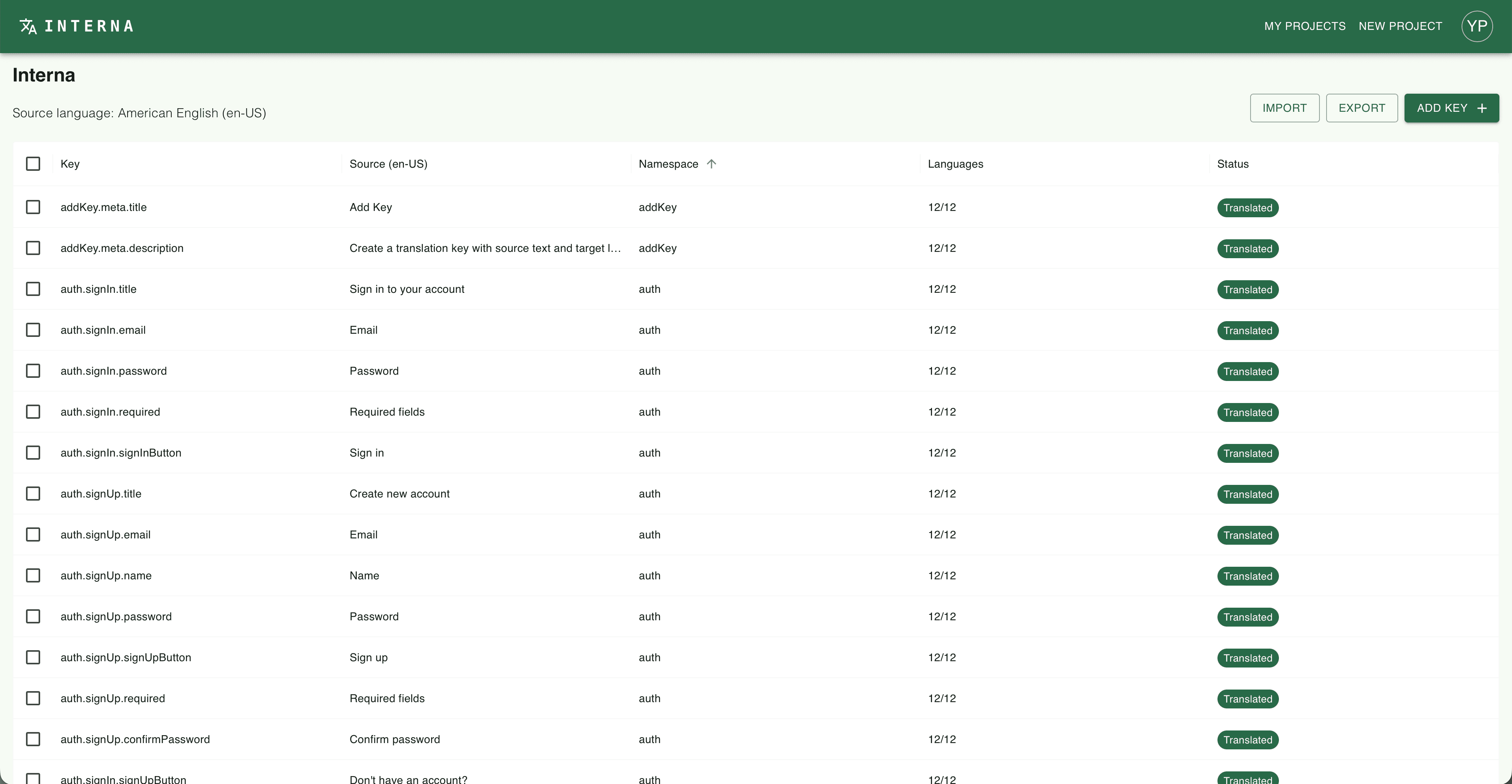
Each project contains translation keys associated with source text. Keys can represent individual interface strings or nested properties within a JSON structure.
For example, a project might contain keys such as project.key and project.url, each representing a different piece of text in the application.
Interna supports nested keys, allowing translations to follow the structure commonly used in localization JSON files.
Because JSON objects cannot simultaneously hold a string value and contain nested properties under the same key, Interna needs to preserve a valid key hierarchy. For example, a key named project cannot be used as a string if project.key already defines a nested property beneath it.
This helps ensure that exported translations can be represented as valid JSON objects.
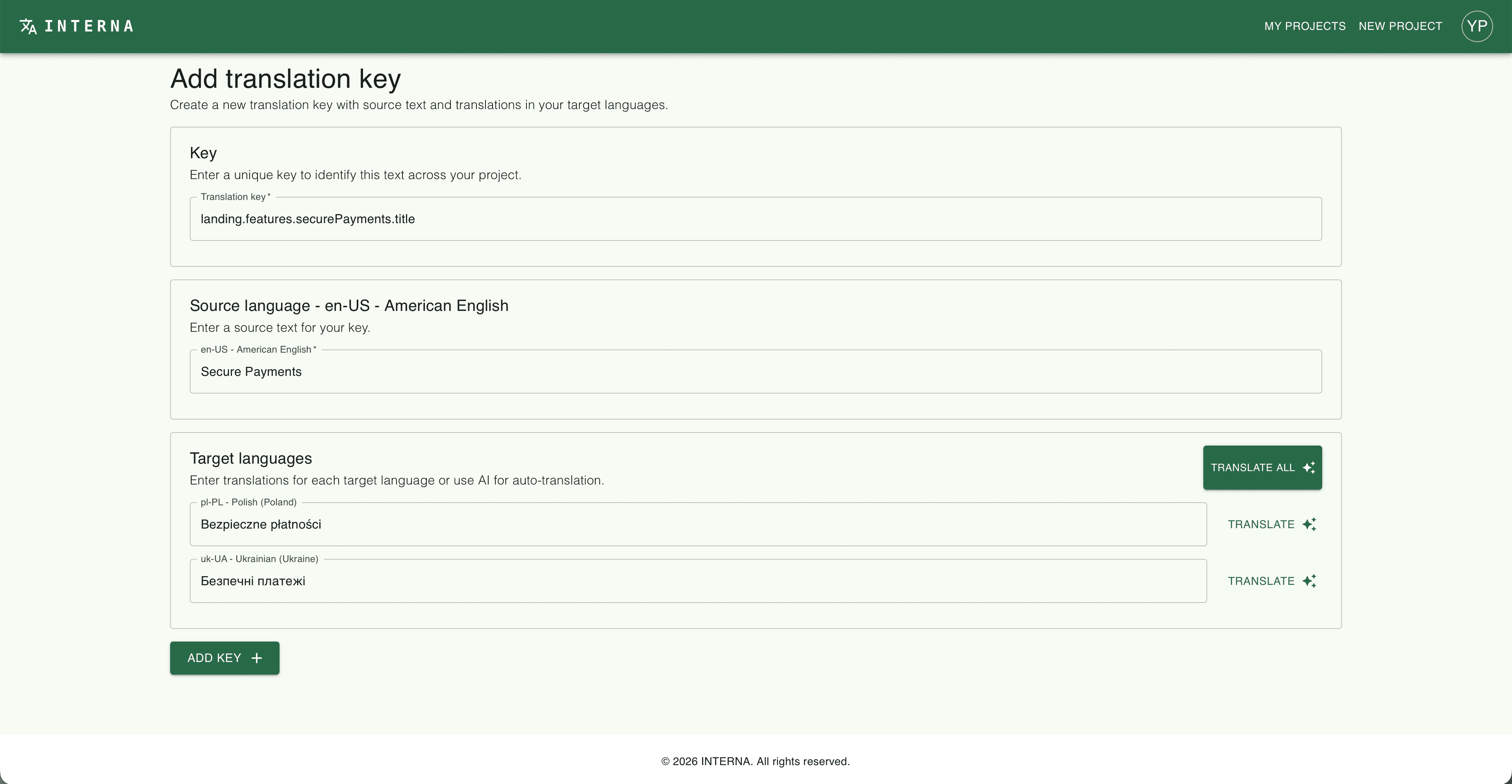
Users can create new keys by entering the key path and its source text. The source text is written in the project's configured source language.
Existing keys can also be edited, allowing developers to update translation content as their applications evolve.
Translation Status

Interna tracks whether translations are available for the configured target languages.
The interface distinguishes translated and untranslated content, helping users identify missing translations and focus on the remaining work.
AI-Assisted Localization
Interna integrates DeepL to assist with translating source text into the project's target languages.
The workflow begins with a translation key and its source text. Users can then generate translations for the configured target languages and review or edit the resulting text.
JSON Import & Export
Importing Translations
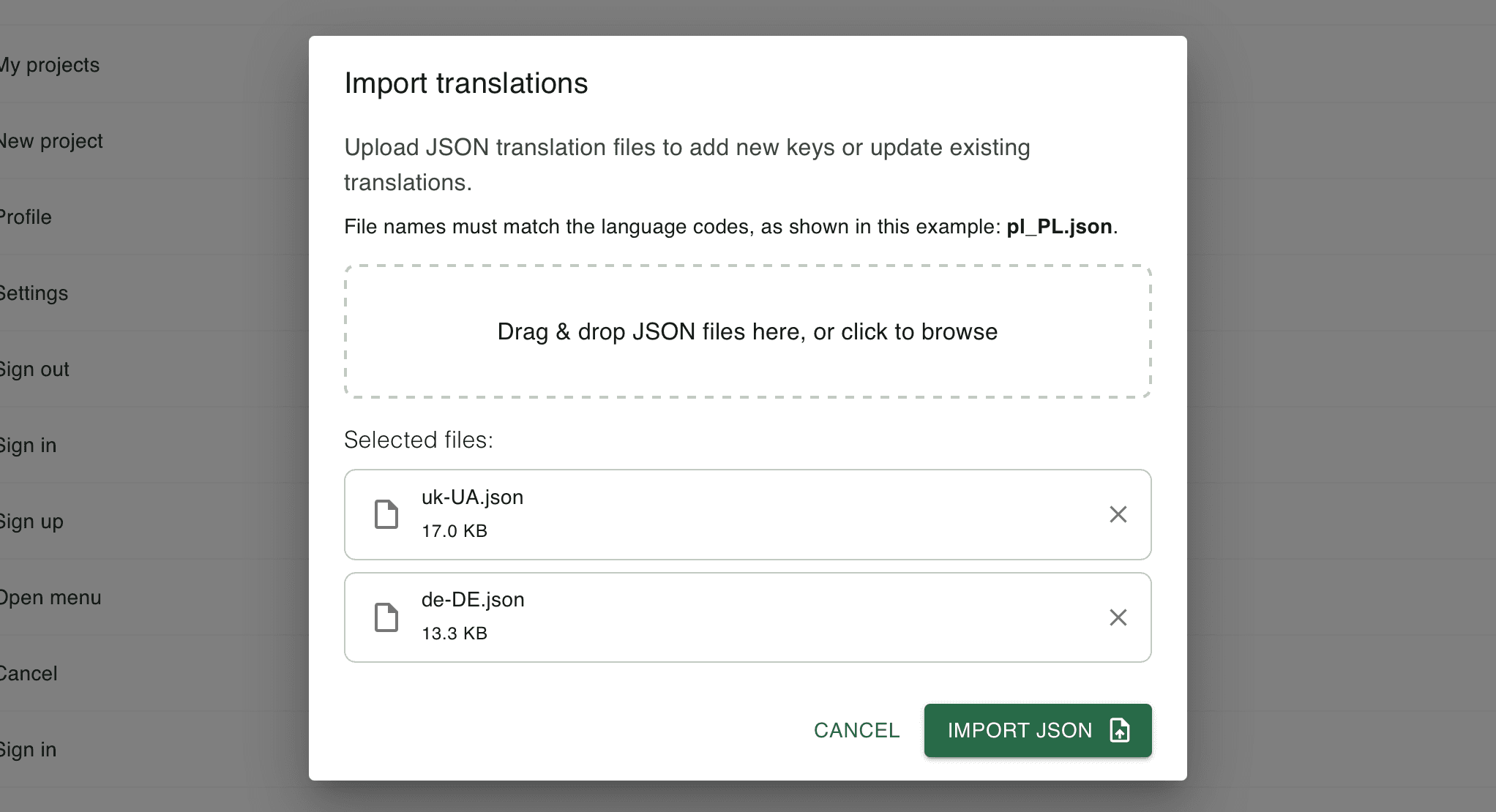
Interna supports importing existing JSON translation files, making it possible to bring existing localization content into a project rather than recreating every key manually.
This provides a starting point for projects that already maintain translations in JSON format.
Exporting Translations
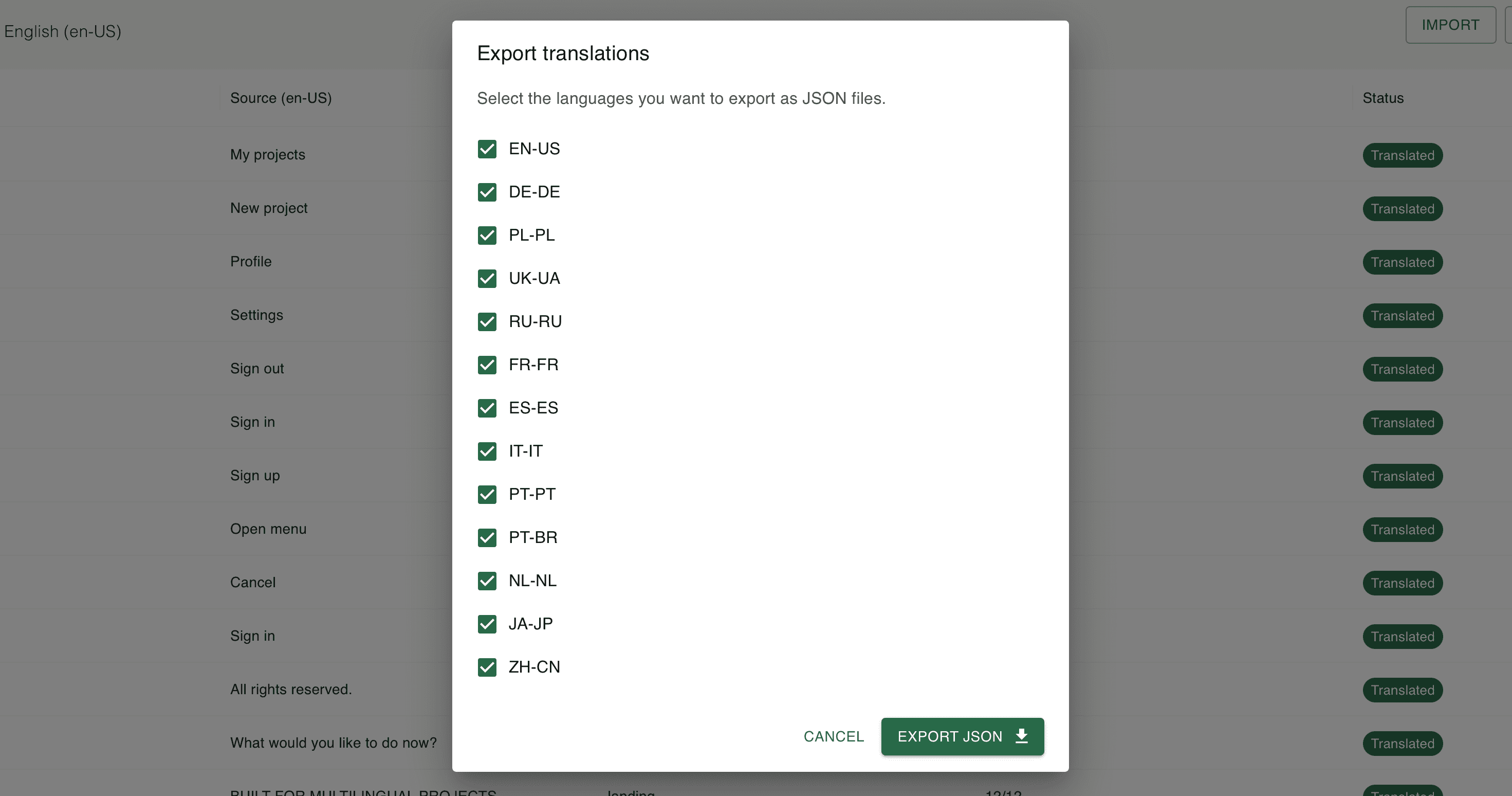
Once translations are ready, users can export them as JSON files.
The exported structure preserves nested key paths, allowing developers to integrate the resulting files into applications that use hierarchical localization resources.
Authentication & Account Management
Authentication
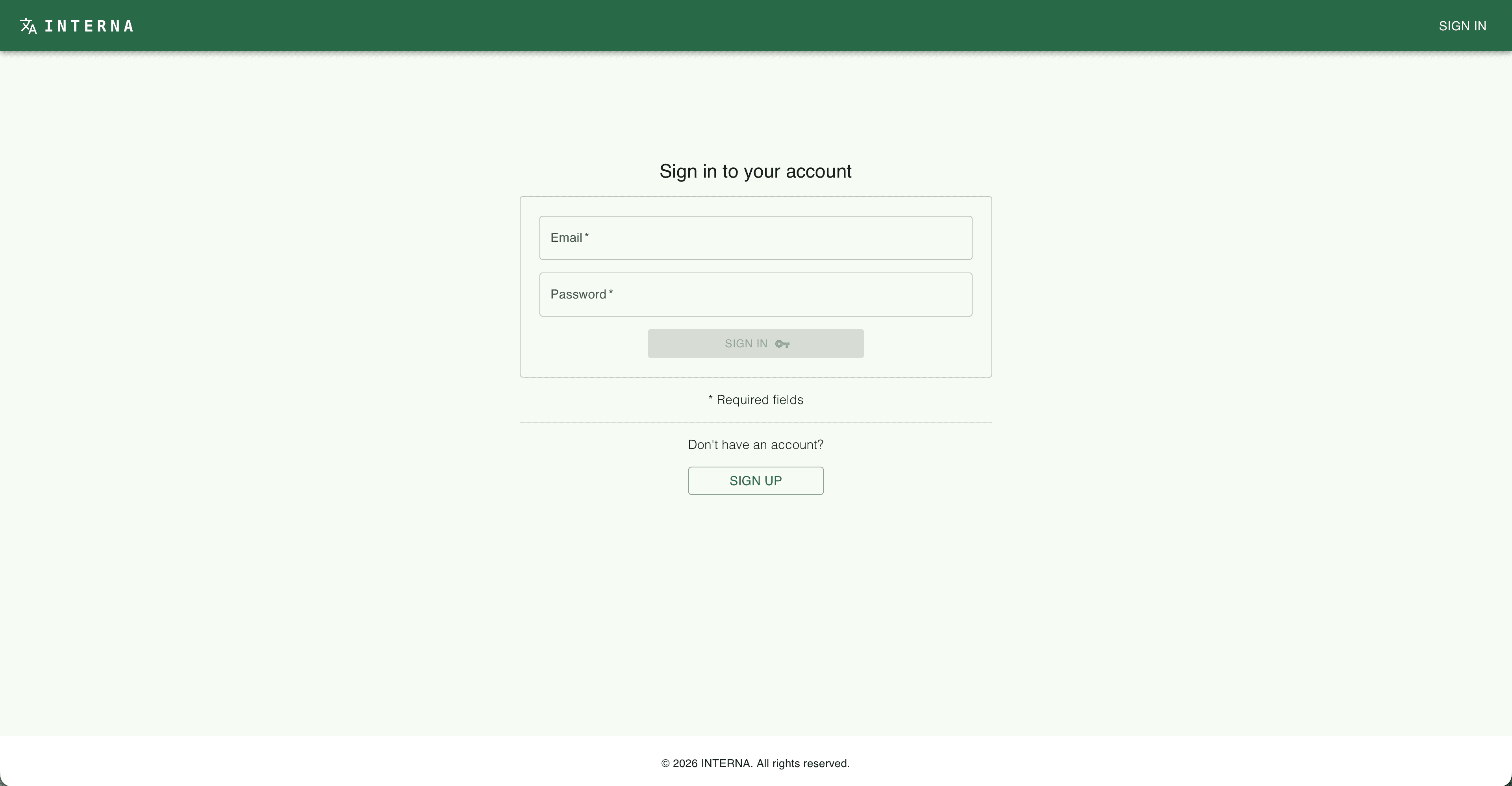
Interna uses Better Auth to handle authentication and session management.
Authentication is integrated into the application so that users can access their own workspace after signing in.
Protected Pages
Pages that require authentication check the current session on the server. If a visitor is not authenticated, they are redirected to the sign-in page before the protected content is rendered.
export default async function Profile() {
    const session = await auth.api.getSession({
        headers: await headers(),
    });

    if (!session) {
        redirect("/sign-in");
    }

    // Render the profile page
}
Account Settings
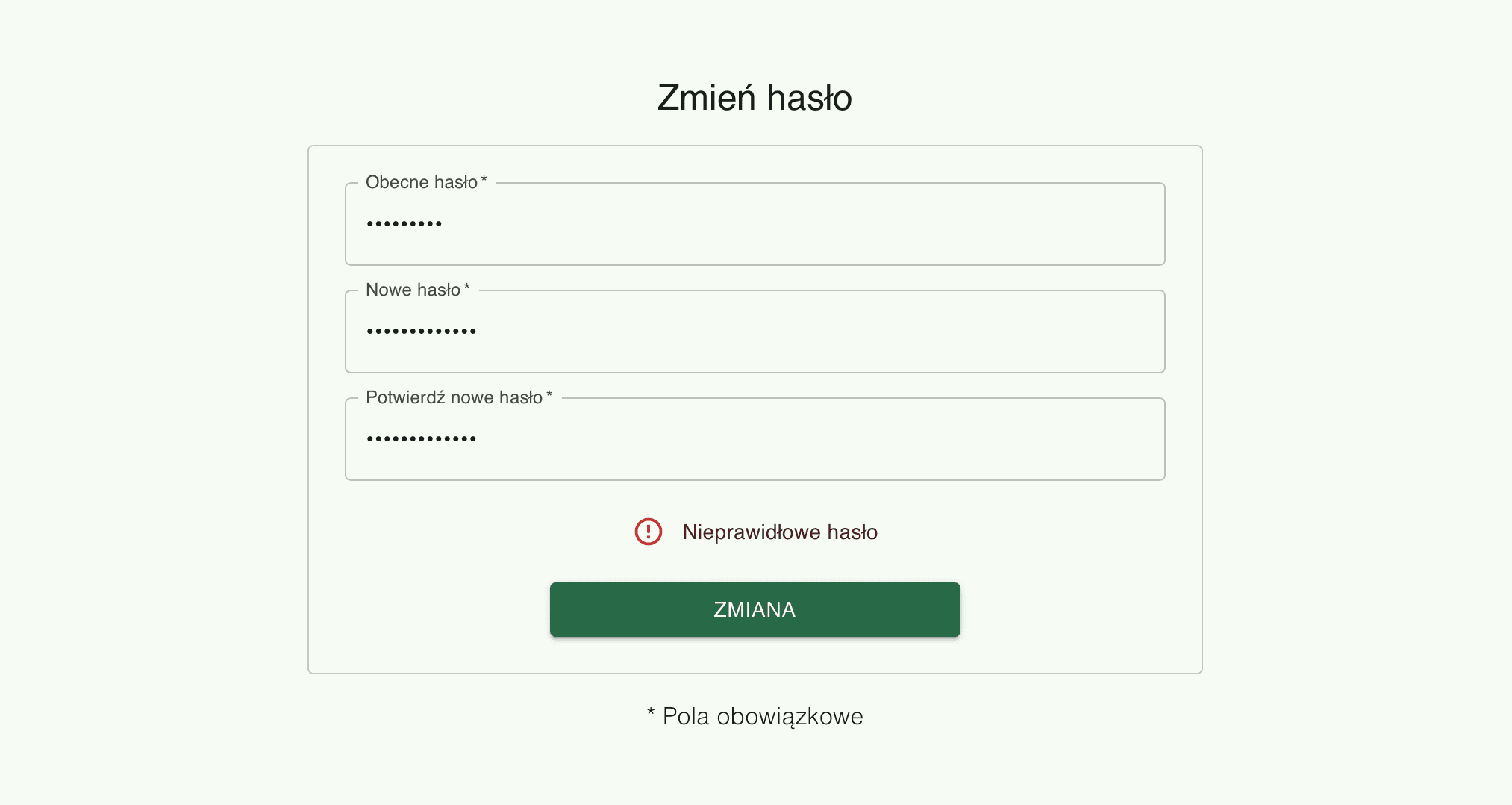
Users can change their account password through the settings interface.
Better Auth also provides localized authentication messages, allowing authentication errors and related feedback to be displayed in the selected language.
Internationalization
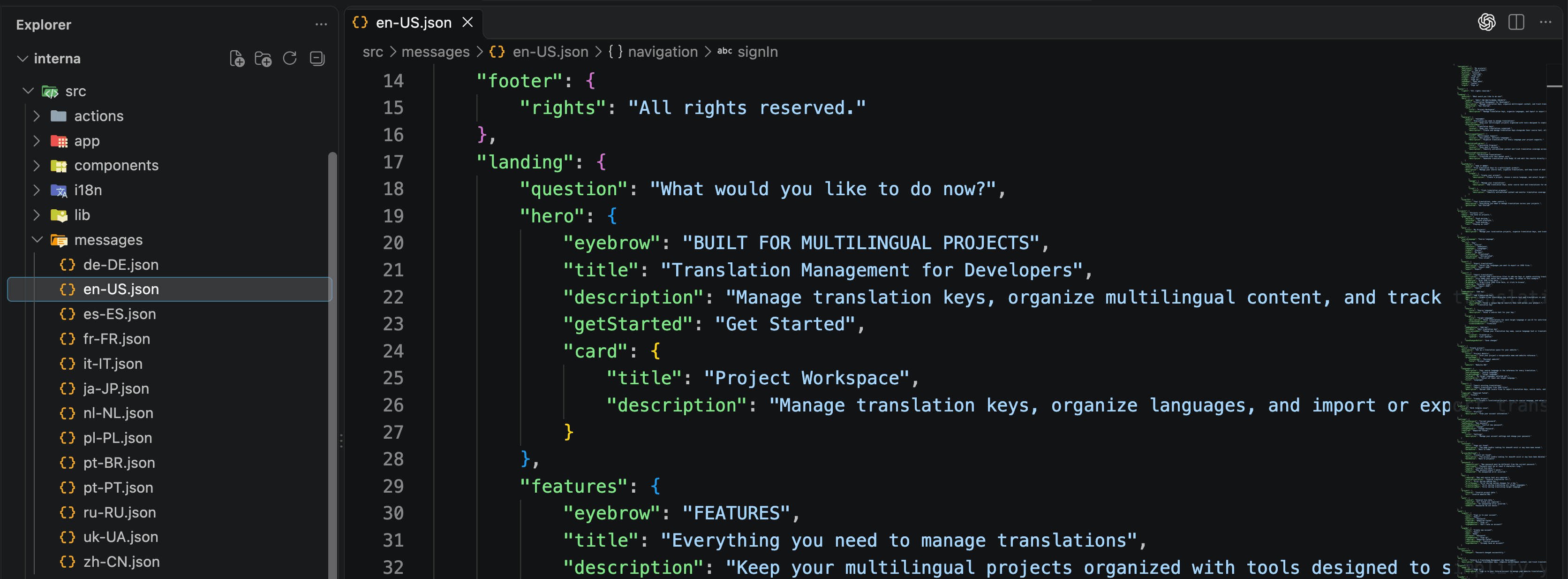
Interna's interface supports 13 configured locales, including English, German, Polish, Ukrainian, Russian, French, Spanish, Italian, Portuguese, Dutch, Japanese, and Chinese.
The application uses next-intl to manage translations and locale-specific routing.
Translation messages are stored in JSON files, keeping interface content separate from application logic and making it easier to maintain the supported languages.
The same localization workflow is also used within Interna itself: translation keys are defined alongside their source text, and DeepL AI can assist with generating translations for the target locales.
This makes internationalization an important part of both the application's implementation and its core functionality.
SEO & Open Graph
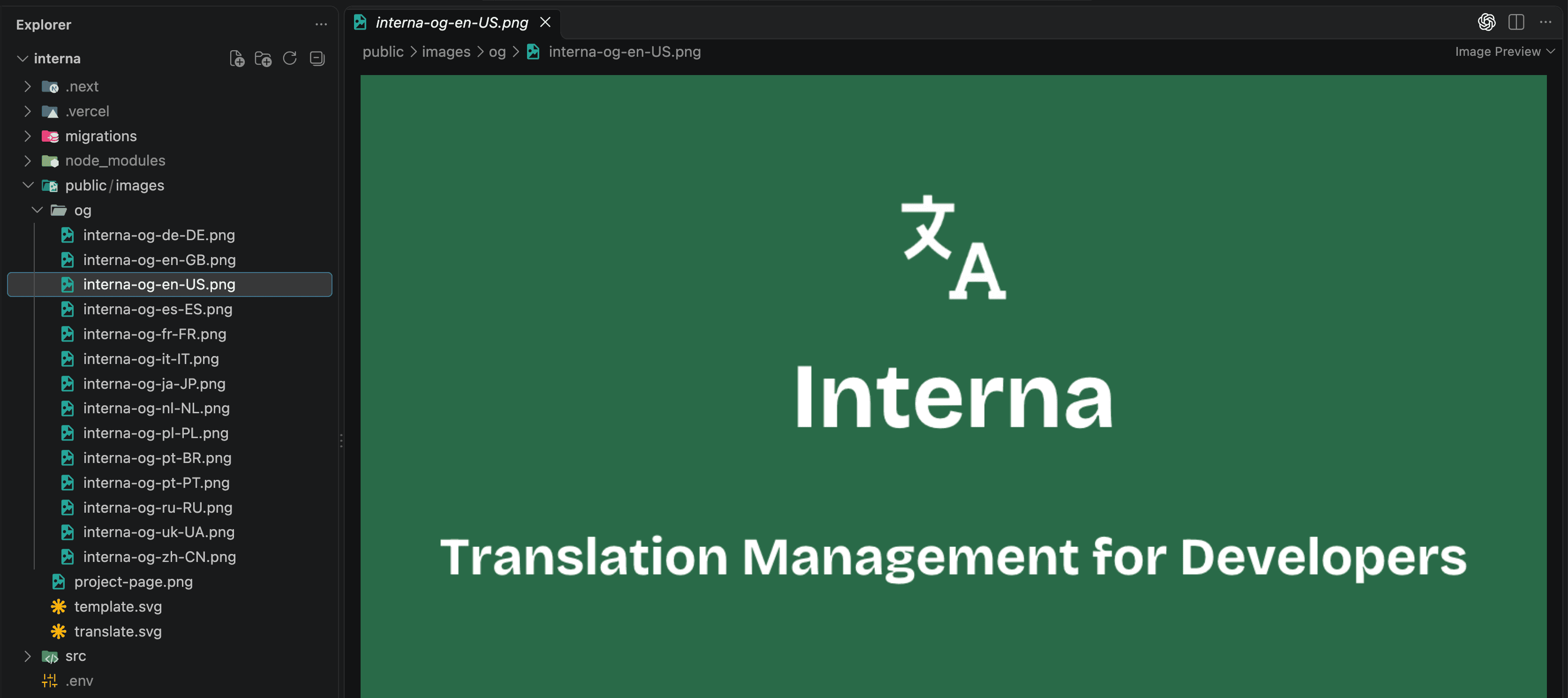
Interna includes metadata for search engines and social sharing.
The application uses localized page titles and descriptions, Open Graph metadata, and Twitter card metadata to provide more relevant previews when pages are shared.
Separate Open Graph images are available for the supported locales, allowing the preview artwork to match the language of the page.
The project also includes a robots.txt file and an XML sitemap to help search engines discover the application's public URLs.
The application is deployed on Vercel using the custom subdomain interna.panchuk.dev.
Technical Highlights
Database & ORM
Interna uses PostgreSQL hosted on Supabase for persistent storage.
Prisma ORM 8 provides the database access layer for the application's localization data, including projects, translation keys, and their associated content.
Authentication Architecture
Better Auth manages authentication and sessions separately from Prisma ORM 8.
Because of compatibility limitations between Better Auth and Prisma ORM 8 in the current setup, authentication uses its own database integration rather than relying on Prisma for its authentication models.
This separation keeps authentication concerns distinct from the application's localization data layer.
Deployment
Interna is deployed on Vercel and uses Supabase for its PostgreSQL database.
The application is available at interna.panchuk.dev, under the same domain as my personal developer portfolio.
Architecture
Interna brings together project management, translation key management, AI-assisted translation, and JSON import/export in one application.
Next.js provides the application framework, React and Material UI power the interface, and TypeScript supports type-safe development across the codebase.
Prisma ORM 8 connects the application to its PostgreSQL database, while Better Auth handles authentication and session management independently.
The next-intl integration manages the application's multilingual interface, and DeepL assists with translating content into target languages.
Together, these components form a localization workflow designed to help developers organize translations and maintain multilingual content as their projects grow.